
Short answer: In more than six years with my June 2020 Model 3, I remember about two screen-freeze or blackout incidents. Holding both steering-wheel scroll buttons restored the screen in my case, and I did not need a service visit.
For the restart procedure, Tesla says to stop and shift into Park first. Vehicle status, warnings and the backup-camera view are unavailable during the restart.
Restart steps · My experience · If it does not recover · When to seek service
My car: June 2020 Model 3, HW3, Intel Atom, 76,000+ miles. The approximate incident count and successful scroll-button restarts are my recollection.
Official guidance: the restart and power-cycle steps below come from Tesla.
Black or frozen screen: recovery sequence
| Symptom | Action while safely parked | Next step |
|---|---|---|
| Frozen interface / black screen | Hold both scroll buttons; wait about 30 seconds | Verify normal interface and controls return |
| Unusual behavior remains | Controls → Safety → Power Off; leave untouched ≥2 minutes | Wake and retest |
| Cannot access Power Off / repeated logo loop | Record the result; contact Tesla | No blind menu actions or wiring disconnection |
| Repeated freeze soon after restart | Save time, software and warning details | Service diagnosis before buying a computer |
| Actual low-voltage alert also present | Follow that alert’s instructions | Battery branch alongside screen diagnosis |
How to restart a frozen Tesla Model 3 touchscreen
- Stop safely and shift into Park.
- Hold both steering-wheel scroll buttons until the touchscreen turns black.
- Allow approximately 30 seconds for it to restart. Wait for the normal interface to return.
Tesla explains that this restarts the touchscreen only; it does not power-cycle the vehicle or restart every component. If unusual behavior remains after a few minutes, its next step is a vehicle power cycle, if possible.
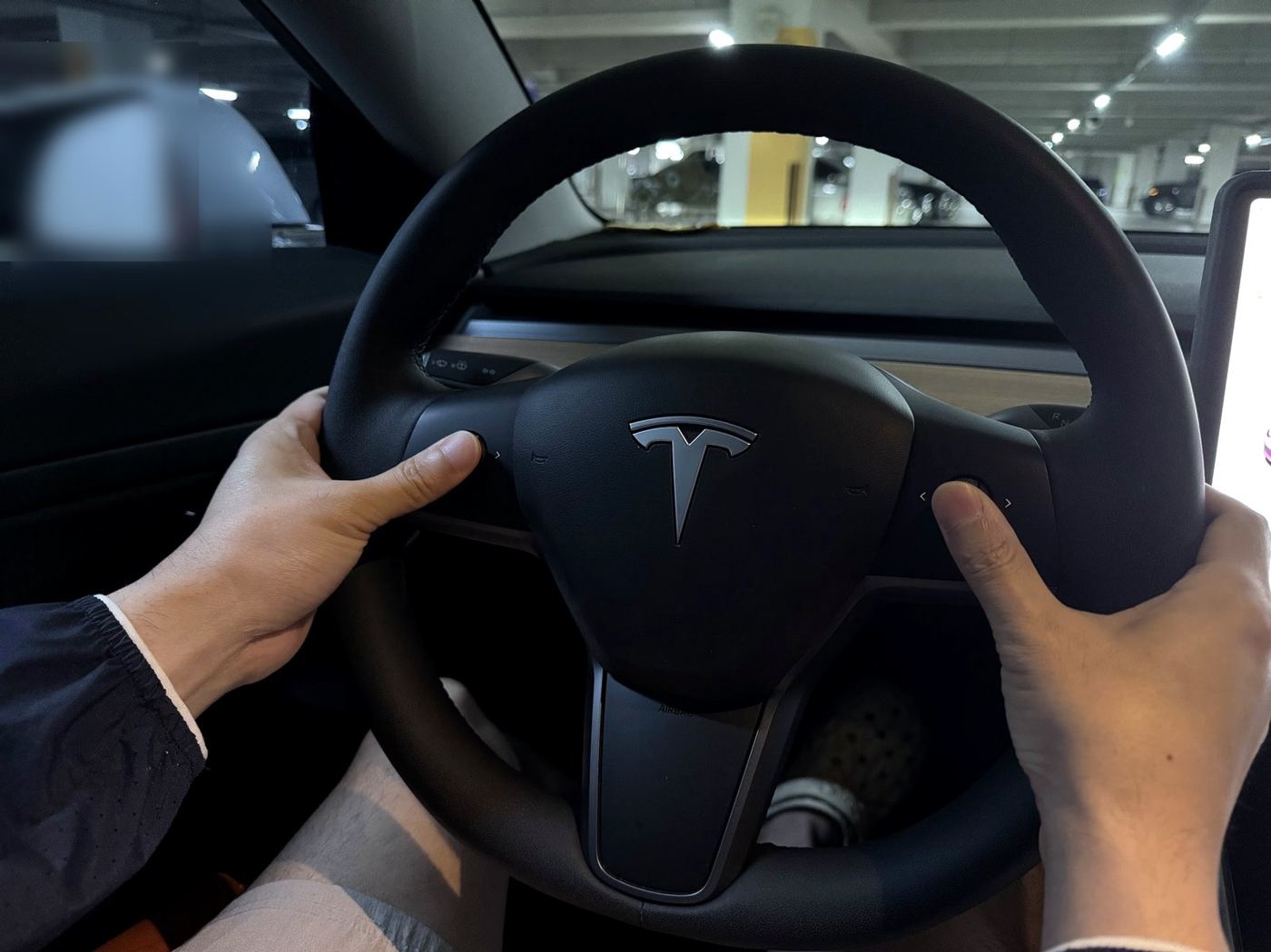
The practical check is whether the normal display and its controls respond again. A logo appearing is a restart stage, not the end of the check. If the screen remains blank or loops through the logo, note that result for service.
What happened on my car
I remember about two screen incidents across more than six years of ownership. They were unpredictable: I cannot point to one app, temperature, charging session or update that consistently caused them.
Both-scroll-button restarts worked for me, so I did not take the car to a repair shop for those screen incidents.
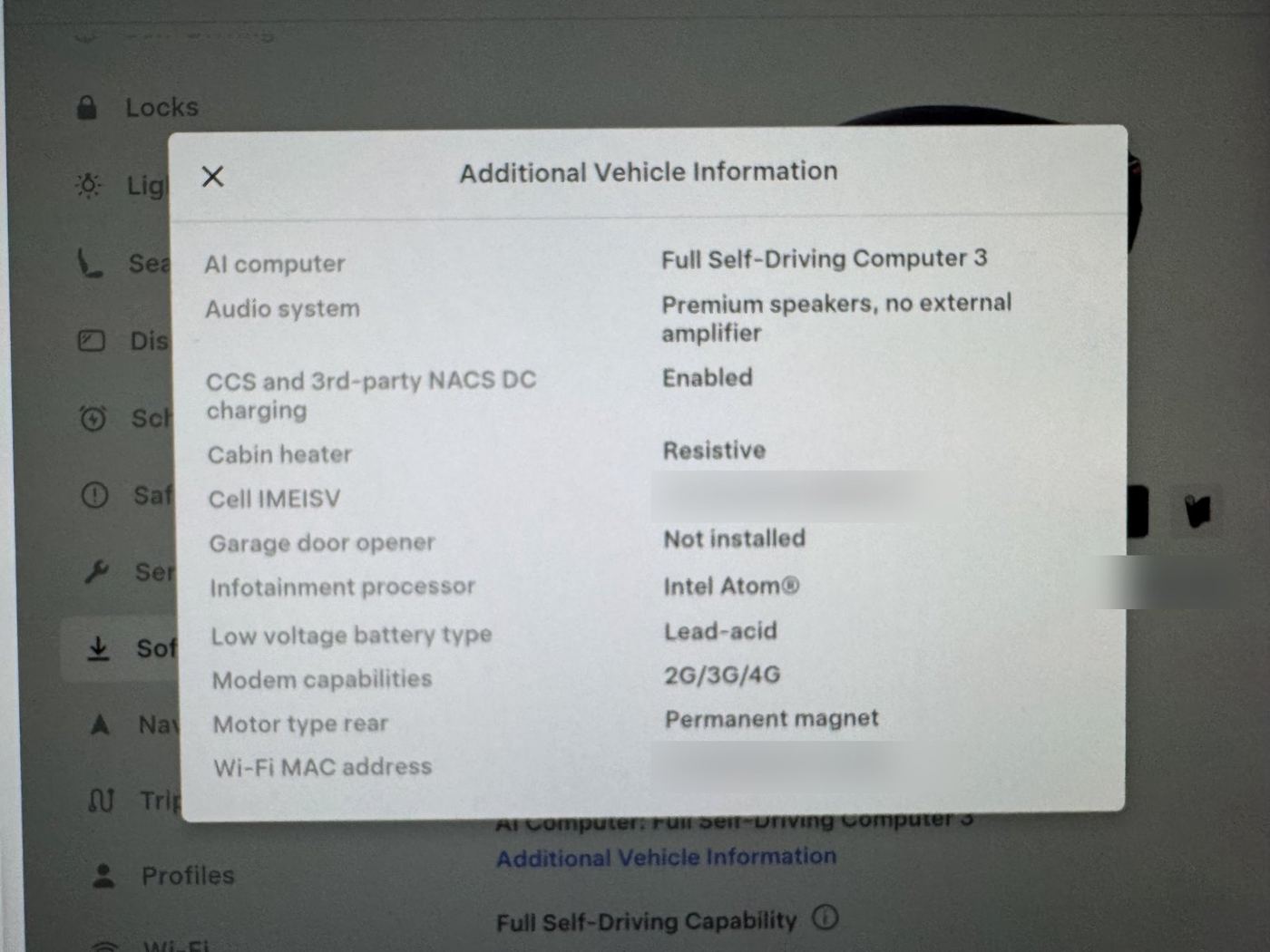
My Intel Atom processor is context about the car.
My separate experience restarting for LTE loss while driving
I have also used the two-scroll-button restart many times while driving when LTE connectivity had dropped. On my car, I could continue driving and controlling the vehicle normally during those restarts. However, some convenience functions were unavailable—for example, automatic turn-signal cancellation after a lane change did not work during the restart. Those LTE-related restarts are separate from the roughly two screen-freeze/blackout incidents above.
Tesla explicitly instructs owners to restart only while stopped and in Park because essential display information is temporarily unavailable. That remains the procedure I recommend to readers.
A touchscreen restart being different from a full vehicle power cycle does not mean that a missing speed display, camera view or warning can be ignored. If the screen fails while moving, concentrate on vehicle control and reach a safe place to stop before troubleshooting. Seek assistance if you cannot continue safely.
A black screen does not identify the fault
A dark display can describe a condition, but it does not tell you which part needs replacement. Record whether the screen is fully black, frozen on one image, showing the Tesla logo repeatedly or still responding in part.
Also distinguish an isolated media or connection issue from the entire screen failing. My Bluetooth music experience describes temporary recovery followed by recurring dropouts; that is not the same incident history as these rare screen freezes.
If a touchscreen restart does not resolve it
Tesla’s vehicle power cycle is a separate procedure. Use it only when parked and when you can access the required controls:
- Shift into Park.
- Select Controls > Safety > Power Off.
- Wait at least two minutes without touching the screen or brake pedal, opening a door or otherwise interacting with the car.
- After that wait, press the brake pedal or open a door to wake it.
I am including the official next step, not claiming it was necessary for my two incidents. If the screen is completely unavailable and you cannot select Power Off, do not substitute blind menu presses or disconnect vehicle wiring. Contact Tesla for guidance.
When another reset is not enough
- The display never returns or repeatedly cycles through the logo.
- It freezes again soon after restarting or the frequency is increasing.
- Important warnings appear, other systems behave abnormally or you cannot operate the vehicle safely.
- There is visible screen damage or a persistent display defect.
A diagnosis should determine the repair before ordering a replacement computer. A restart can also hide faults outside the screen: on my car, a climate alert cleared after a restart and returned whenever climate turned on, which I cover in my VCFRONT_a447 A/C condenser repair and cost guide.
If a low-voltage warning is actually displayed, record its exact wording and use my low-voltage battery warning guide. A black screen alone is not enough to prescribe a battery replacement.
What to save for a service report
- The approximate time, software version and whether the vehicle was parked or moving when the symptom began.
- Whether the screen was dark, frozen or restarting repeatedly.
- Any warning noticed before or after the event.
- What you tried and whether recovery lasted.
Photograph the display only while safely stopped or have a passenger record it. A dated record helps service identify patterns.
What to do after the screen returns
Check that vehicle status, climate controls and the relevant camera display respond normally while parked. Record the software version and approximate time of the incident. If the screen remains stable, monitor for recurrence rather than immediately buying a replacement display or computer.
A black screen during an interrupted installation should be reported with the update state; repeated logo cycling or persistent loss of control needs Tesla guidance. A successful restart is a recovery action. Frequent repeats need a diagnosis that distinguishes display, software and power faults. My roughly two freeze/blackout events in more than six years recovered with the scroll-button restart, without a service visit.
FAQ
How often has this happened to you?
About twice in more than six years for screen freezing or blackouts. I have separately performed many touchscreen restarts for LTE loss.
Did you need a screen or computer replacement?
No service visit was needed for my screen incidents because the scroll-button restart restored operation.
Can you predict when it happens?
No.
Have you restarted while driving?
Yes, many times for LTE loss. On my car, normal driving remained possible during the restart, but some convenience functions—such as automatic turn-signal cancellation after a lane change—were unavailable. Tesla’s instructed restart procedure is still to stop and shift into Park.
Official references
See Tesla’s touchscreen restart instructions and vehicle power-cycle procedure. My own experience is the rare screen incidents and separate LTE-related restart history described above.
— Volt Fix Garage
Leave a Reply