Short answer: I have experienced many unexpected slowdowns while using driver assistance on my June 2020 Model 3. They have become much less frequent recently, but still happen. I pay particular attention around shadows, overlapping or nearby lower-speed roads, elevated roads, underpasses and roadside cones or barriers.
My response: I supervise closely and have used a light accelerator input when I have checked that continuing is appropriate. Do not automatically accelerate against every slowdown: an obstruction or a real reason to slow may be present. Take over driving whenever needed.
Unexpected braking · High-beam checks · Headlight calibration and aim
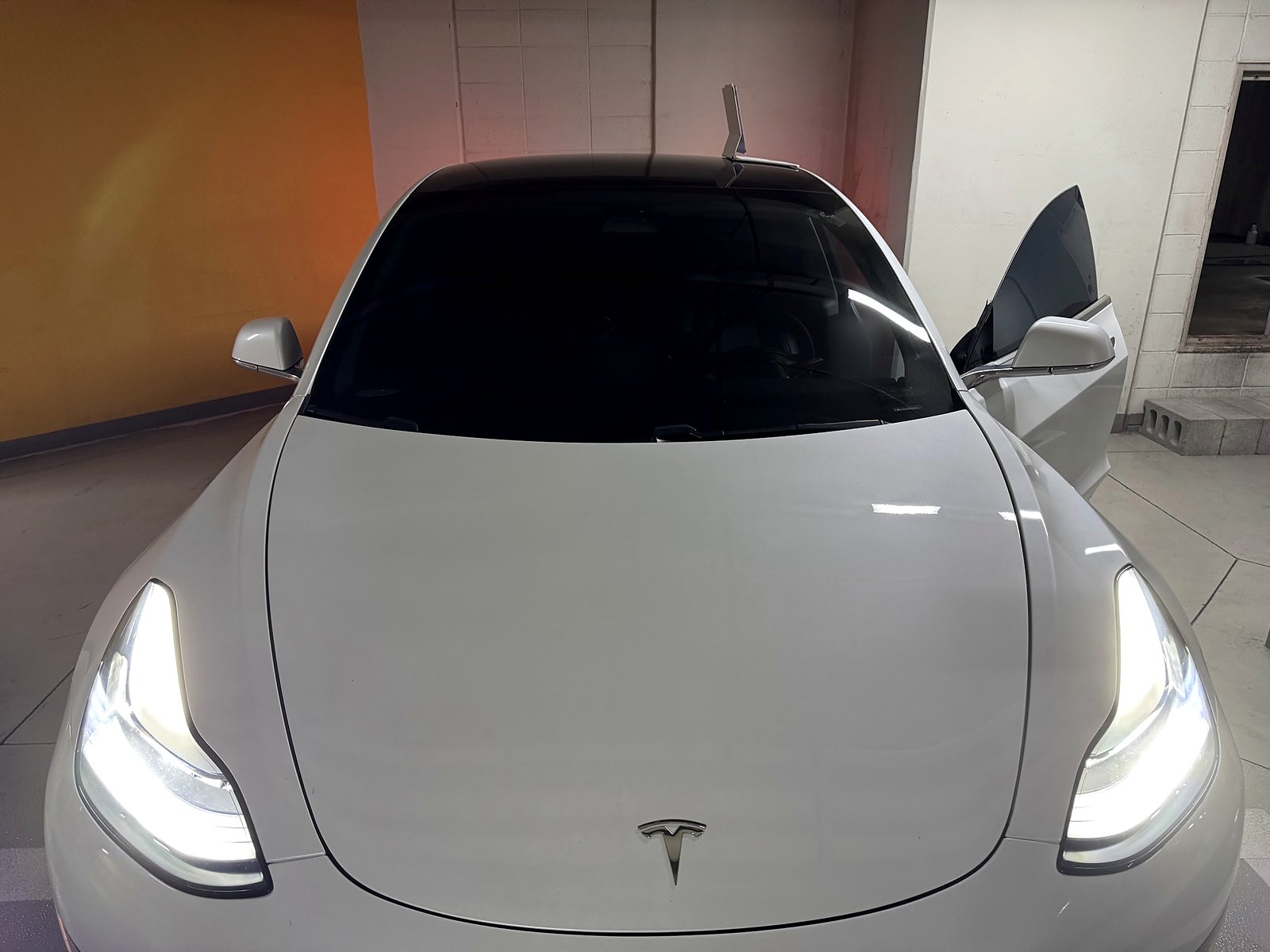
My experience: June 2020 Model 3, HW3, 76,000+ miles. The slowdown situations and my responses below are owner observations. I have also aimed the headlights against a parking-garage wall, used the calibration control and manually adjusted them on multiple occasions.
Official guidance: override behavior, cancellation controls and headlight warnings below come from Tesla’s manuals. Controls and lighting hardware vary by vehicle and software.
Unexpected braking and lighting: separate action paths
| Observation | Driver action / check | Follow-up |
|---|---|---|
| Slowdown near shadow or barrier | Assess road; take control as needed | Record repeated events after stopping |
| Set speed or displayed limit drops | Manage speed safely; note display change | Report location and software |
| Camera visibility warning | Drive manually as required; clean appropriate surface | Service for persistent fault |
| High beams causing glare | Select appropriate lighting using vehicle controls | Check automation settings and instructions |
| Low beams appear mis-aimed | Identify headlight type and applicable aiming procedure | Qualified alignment if setup or targets are uncertain |
Where I notice phantom braking on my Model 3
I use “phantom braking” here for a slowdown that seems unnecessary from the driver’s perspective. Use the displayed speed and surrounding conditions to separate the possibilities.
These are situations where I have repeatedly encountered it:
- Shadows across the road.
- A nearby or overlapping lower-speed road, including roads at a different level.
- Elevated roads and underpasses.
- Traffic cones, lane-separation posts and protective barriers, including objects intended to prevent intrusion or collisions.
It has improved noticeably recently on my car, but I still supervise with the expectation that another unexpected slowdown can happen.
1. Supervise the road and take control when necessary
My practical response has been to watch closely and apply the accelerator lightly when the slowdown is unnecessary and the road situation permits continuing. That is an intervention by the driver, rather than a cure for the underlying behavior.
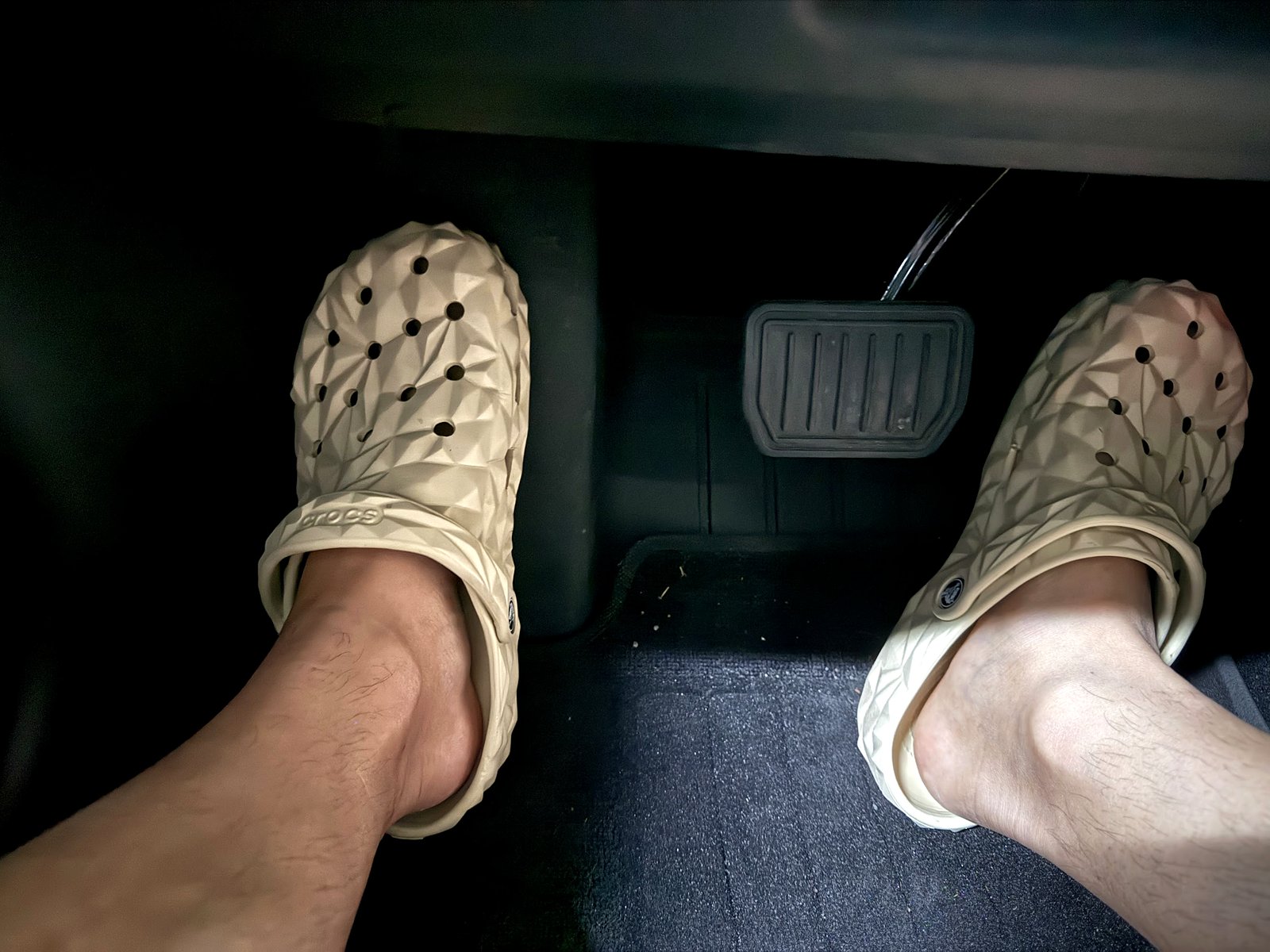
Tesla’s Autosteer manual explains that accelerator input can override speed control, and warns that the vehicle will not brake for detected obstacles while the accelerator is being applied. The driver must judge the situation and control the speed. Never assume a cone, barrier or shadow means the braking is definitely false.
If the behavior is repeated, visibility is poor or you cannot confidently judge the situation, take over and drive manually. Do not keep an unreliable assistance mode engaged simply to maintain speed.
2. Know how to cancel the assistance mode on your car
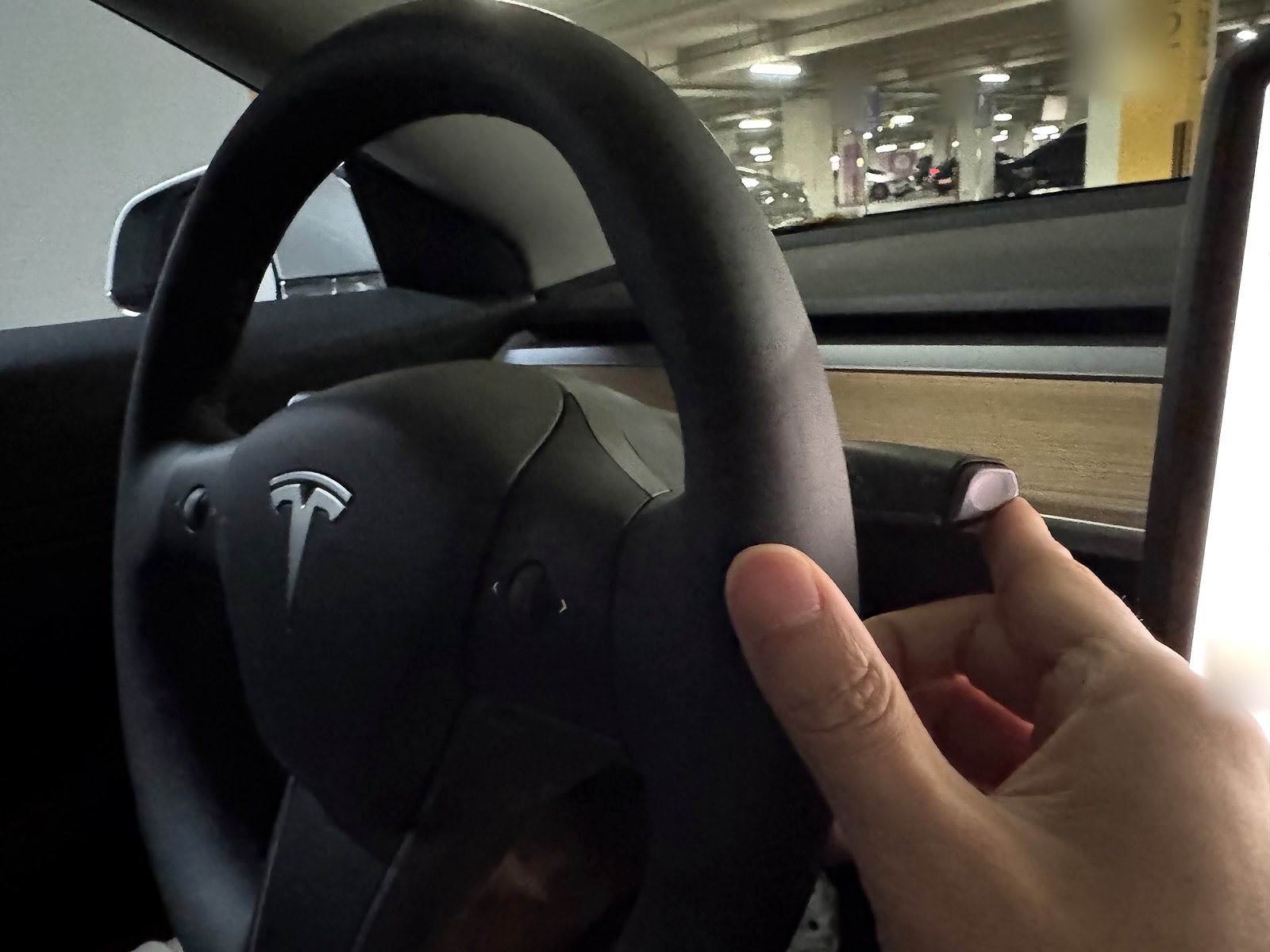
For Traffic-Aware Cruise Control on my generation of Model 3, Tesla describes cancellation by moving the drive stalk upward or pressing the brake. Use a brief stalk input: holding it upward for more than one second can shift into Neutral. Check the instructions for the specific assistance mode and vehicle you are using.
Canceling cruise is not the same as coasting; regenerative braking can still slow the car. Be ready to manage speed yourself. Use the brake when the road situation requires braking rather than avoiding it merely because the car has already slowed.
3. Separate a set-speed change from unexplained braking
Near a lower-speed road or an interchange, note whether the displayed limit or set speed changed. Do this only when safe; keeping attention on traffic comes first. Record any coinciding speed-limit or set-speed change for service.
Tesla documents planned slowdowns in some traffic and interchange situations. Do not label every reduction in speed a failure. If the car repeatedly behaves unexpectedly at the same location, record the location, assistance mode and software version after you stop.
4. Keep the camera view clear and use suitable settings
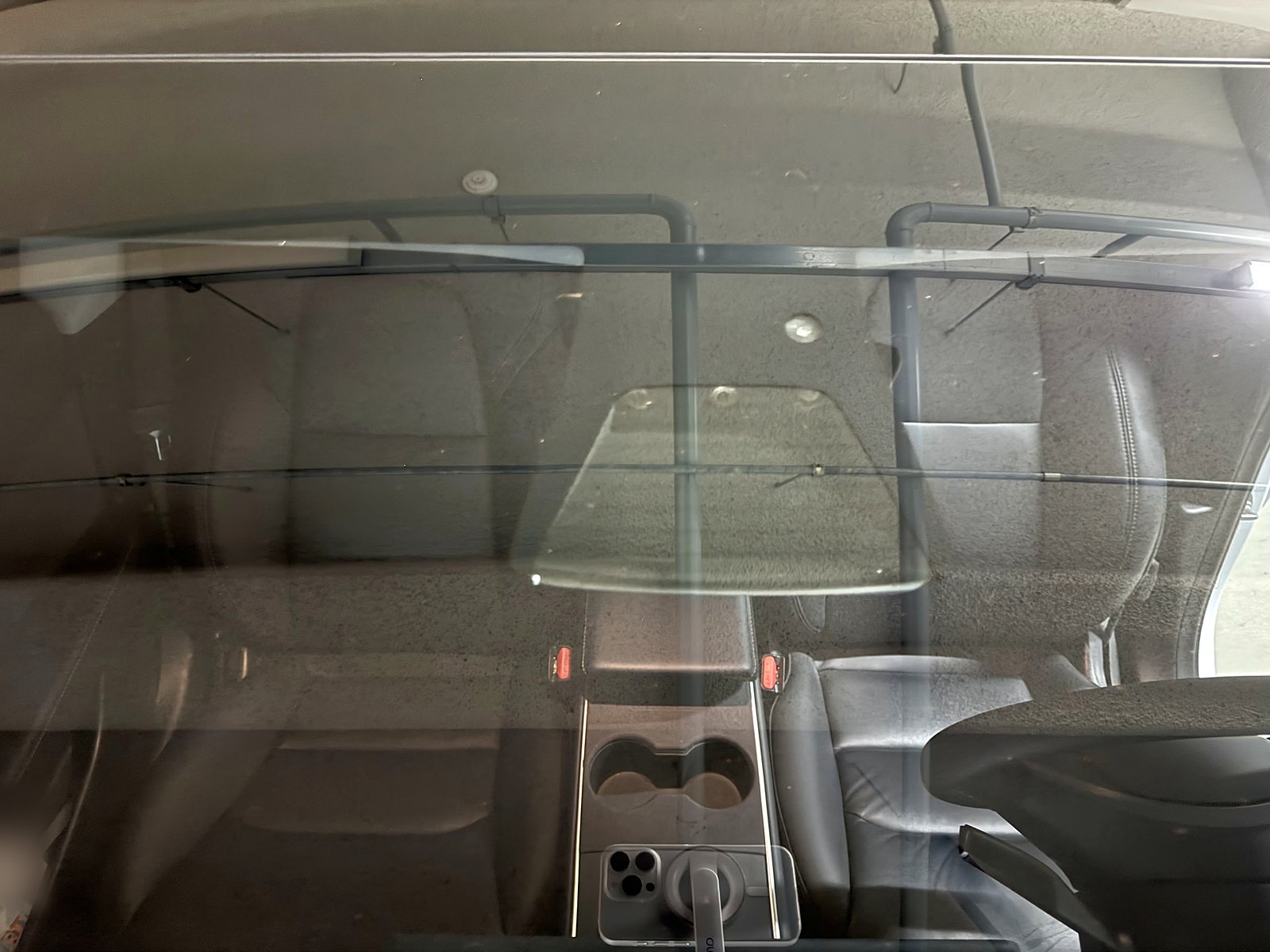
Check for an obstructed camera view and follow any visibility warning. Clean accessible exterior glass using the appropriate cleaning method. Do not remove the camera housing to reach haze behind it; arrange service for inaccessible contamination.
If camera warnings accompany the problem, use my camera visibility checks. If wiper film or smearing is present, see my wiper and windshield-cleaning experience.
Choose a suitable following distance and speed for conditions using the options your software actually provides. Extra space is useful driving margin; it is not a proven fix for phantom braking.
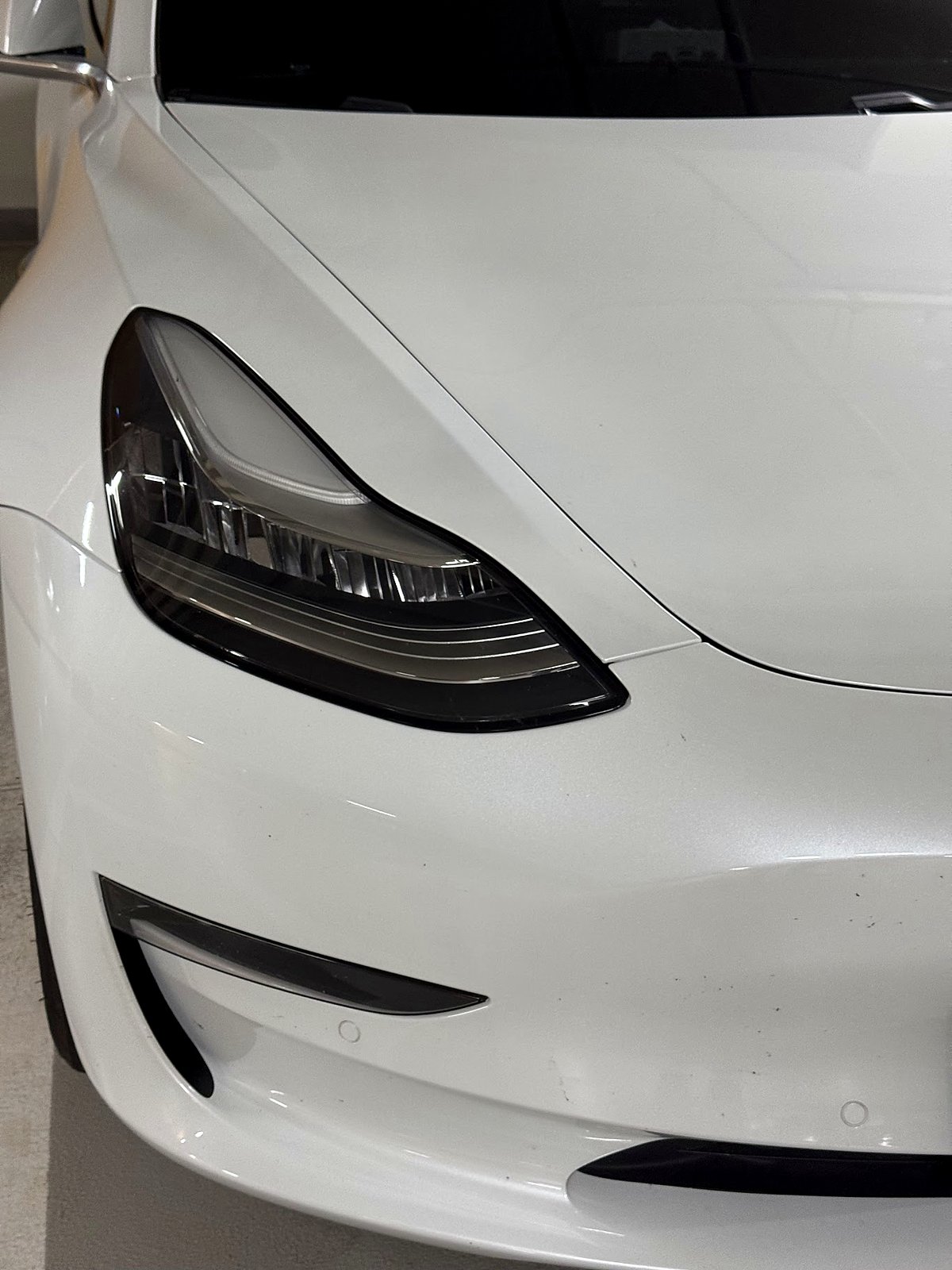
High beams and low-beam aim are different checks
If other drivers flash their lights, first determine whether your high beams are on. High-beam control, automatic high-beam behavior and adaptive lighting depend on the car’s equipment and software. Check the indicators and the instructions supplied for your vehicle.
On the stalk-equipped Model 3 covered by Tesla’s manual, the left stalk controls high beams. Learn that control before a night drive so you can select suitable lighting promptly. Do not assume an automatic setting will always avoid glare.
If the issue persists while definitely on low beams, check aiming rather than treating it as an Auto High Beam problem. Other drivers flashing is a reason to investigate, rather than a measurement proving a specific alignment error.
My headlight calibration and manual adjustment experience
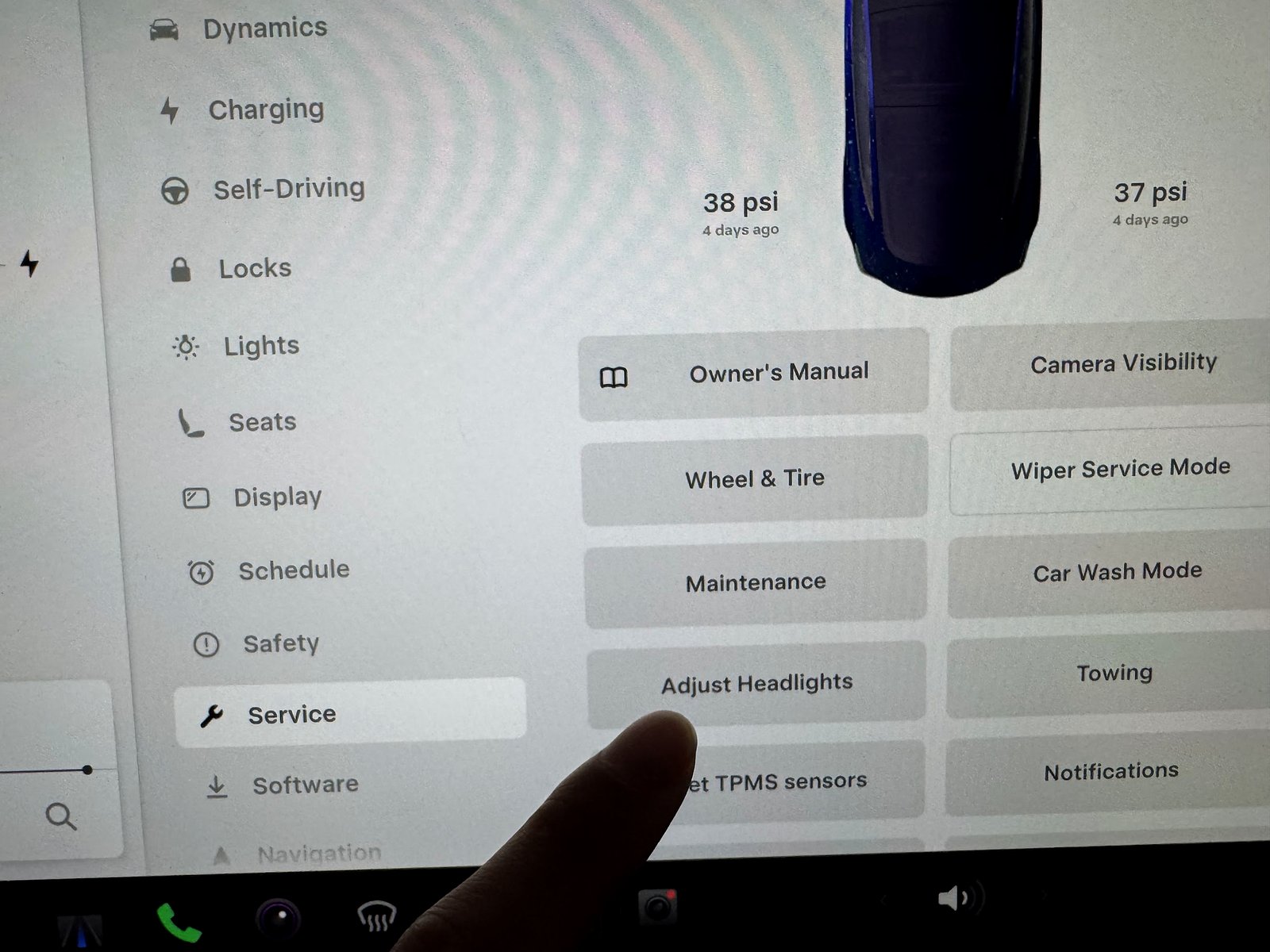
I have checked the beam pattern against a parking-garage wall, used the calibration control and manually adjusted the headlights multiple times.
The menu is Controls → Service → Adjust Headlights. Tesla’s procedure says to follow any calibration prompts before proceeding to aiming. Calibration and correct beam aim are separate matters: completing a calibration does not by itself establish that a wall pattern meets the required aim.
Tesla cautions that manual adjustments cannot be automatically restored to the original calibrated position. It recommends adjustment only by someone familiar with correct aiming, or assistance from Tesla.
A wall check needs the correct procedure
A level surface and the correct beam targets matter. Tesla publishes different procedures for headlight types and specifications. Identify the installed lights and use the applicable procedure, including its distance, target positions, tire-pressure and vehicle-loading requirements.
Do not copy one universal “25 feet from a wall” distance or a generic target height from another car. Do not assume the driver’s seat should be empty: the applicable service procedure can specify a driver-equivalent load. My own wall adjustments are experience, not a measured certification of alignment.
If you cannot identify the correct procedure or reproduce its setup, have Tesla or a qualified shop check the aim with suitable equipment. This is particularly useful after front-end or suspension work, or if glare remains after your checks.
When I would report the braking problem
Report repeated or severe unexpected deceleration rather than assuming it is an unavoidable software characteristic. Include the date and time, location, assistance mode, software version, surrounding traffic and any displayed alerts. Save relevant footage if available, and describe what you actually observed.
Unexpected slowing while driving manually, brake warnings, pulling, unusual pedal behavior or mechanical noises deserve separate inspection. My wheel-scraping article covers a different noise experience.
What improvements you can make without buying a “fix”
Keep the appropriate camera view clear, choose safe speed and following space, and take over where assistance behaves unpredictably. Note repeated trouble locations after stopping so you can report a useful pattern. Software and environmental conditions may change, so keep supervising even after improvement.
For nighttime glare, first check the actual high-beam state. Low-beam aim requires a different assessment and the correct headlight-specific procedure. A garage-wall observation can identify a concern, but the correct distance, target and load setup determine adjustment. Do not buy a different lamp or sensor because of an unexplained slowdown; diagnose the braking and lighting branches separately.
Frequently asked questions
Has phantom braking gone away on your car?
No. It has become much less frequent recently, but I still encounter it and stay ready to intervene.
Should I press the accelerator every time the car slows unexpectedly?
No. First assess the road and control the vehicle appropriately. My light accelerator interventions were responses to situations I judged, not a universal response to an alert or obstacle.
Will adjusting headlights fix phantom braking?
Headlight aim and unexpected deceleration are separate troubleshooting branches.
Official references
See Tesla’s Traffic-Aware Cruise Control instructions, Autosteer instructions, assistance limitations and lighting and aiming guidance. The service manual’s headlight-specific wall procedure illustrates why specifications must match the installed lights; it is not a universal procedure for every Model 3 or Model Y.
— Volt Fix Garage
Leave a Reply