Short answer: Music streamed from my iPhone over Bluetooth has cut out in my June 2020 Model 3. Connection checks or restarts have sometimes restored playback, but the problem has recurred often, so I currently use the car’s built-in music apps instead. This bypasses the phone-to-car music connection.
Music dropout checks · My current workaround · Call or microphone issues · Accessory charging pad
My experience: June 2020 Model 3, HW3, Intel Atom, 76,000+ miles; recurring iPhone Bluetooth music interruptions, temporary improvement after troubleshooting, and current use of the vehicle’s built-in apps. My wireless charging pad was installed separately.
General guidance: the Bluetooth checks below come from Tesla, with iPhone charging notes from Apple.
Bluetooth audio: diagnostic comparisons and fixes
| What happens | Try first | Next decision |
|---|---|---|
| Wrong phone or output selected | Select intended paired phone and car audio output | Retest before removing pairings |
| Streamed music cuts; downloaded track works | Compare phone network and app behavior | Network/app support rather than an assumed car-hardware fault |
| Downloaded Bluetooth audio also cuts | Toggle Bluetooth, restart, update and re-pair | Compare another phone; report persistent recurrence |
| Repeated dropouts after temporary recovery | Use built-in music apps where available | Keep version and test notes for service |
| Caller cannot hear you | Check call audio route and phone-alone result | Investigate call/microphone branch separately |
| Wireless charging stops | Check alignment, case, temperature and accessory power | Charger-specific support if still faulty |
Bluetooth dropout symptoms and the practical fix order
The confirmed symptom is music cutting out while using an iPhone. Troubleshooting has helped on some occasions, but the interruptions have returned often. For everyday listening, I now choose an app on the car’s screen.
Use the audio-source comparisons below to narrow down the interruption.
The useful distinction in my experience is temporary recovery versus a lasting solution: getting music playing again did not stop the problem recurring.
Checks for Bluetooth music cutting out
Do setup and comparison checks while parked. Record what changes rather than repeatedly resetting everything at once.
1. Confirm the selected phone and audio output
Tesla’s guidance starts with Bluetooth enabled, the phone charged and the car selected as the audio output. Confirm the intended phone is connected in the vehicle’s Bluetooth settings. If several paired phones are nearby, check which one is actually supplying the audio.
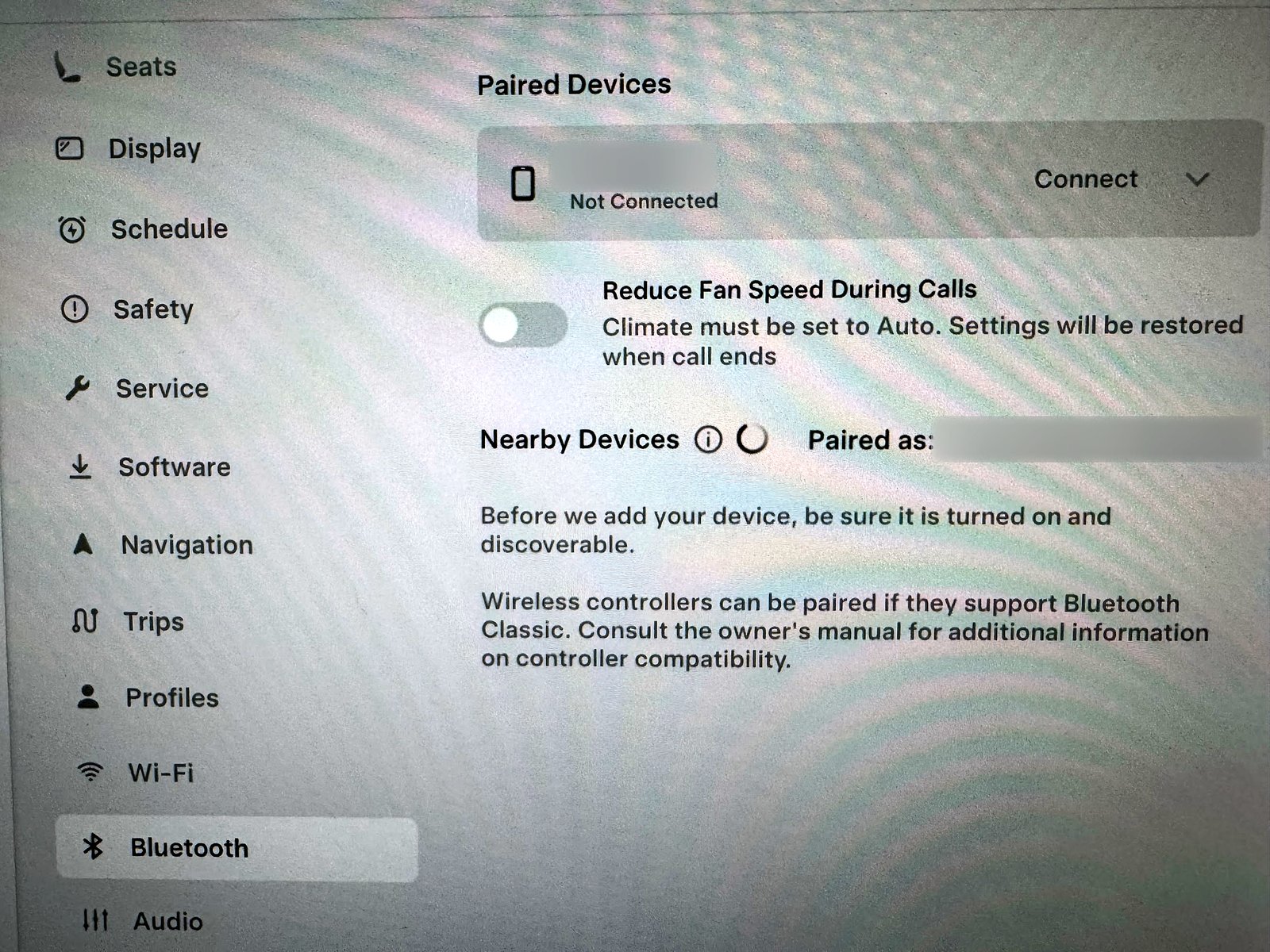
The screen above shows settings on my car. Confirm the intended device before re-pairing.
2. Separate streaming trouble from Bluetooth playback
A useful comparison is a downloaded track played over Bluetooth versus a track streamed by the phone. If available, compare a second audio app or another phone while parked. Note whether playback pauses on the phone too, whether the connection indicator drops, and whether the interruption occurs at the same place.
They can help distinguish a network or app symptom from a connection symptom without proving a hardware fault.
3. Try the official connection checks
Tesla lists toggling Bluetooth, restarting the phone, updating phone and vehicle software, and unpairing and pairing again among its checks. It also lists a touchscreen restart. Keep a working physical key nearby before changing pairings or phone-key entries.
Follow the current Tesla Bluetooth instructions for the menus on your car. Reconnecting or restarting has restored playback on some occasions; persistent recurrence needs the next comparison or service report.
If the whole screen becomes unresponsive, that is a separate symptom covered in my touchscreen troubleshooting guide.
Why I currently use the car’s built-in music apps
Instead of sending music from the iPhone through the Bluetooth audio link, I use the media apps available on the car itself. That is my current practical choice because the Bluetooth problem has recurred even after temporary improvements.
The built-in app supplies music without the phone’s Bluetooth audio stream.
Check the apps and account requirements available on your vehicle before changing subscriptions. Tesla says cellular music streaming requires Premium Connectivity, and third-party streaming subscriptions are separate. Available media features depend on the vehicle and software. See Tesla’s connectivity information.
If you report the issue to service, include the iPhone model, iOS and vehicle software versions, audio app, whether downloaded tracks also cut out, and how built-in playback compares. I would use those observations before buying accessories or blaming the infotainment computer.
Phone Key and music pairing are different functions
Tesla distinguishes Bluetooth phone/media functions from BLE phone-key functions. Test music playback independently of proximity unlocking. If unlocking is the problem, use my phone-key experience and checks.
Do not remove a working phone key simply because music stutters. Keep the physical backup key with you when making connection changes.
If your problem is call audio or the microphone
A caller being unable to hear you is different from music cutting out.
While parked, check the call’s selected audio route and whether the problem also happens using the phone without the car connection. Record whether it affects all calls or one app, and whether vehicle voice commands are affected. These observations can help service investigate.
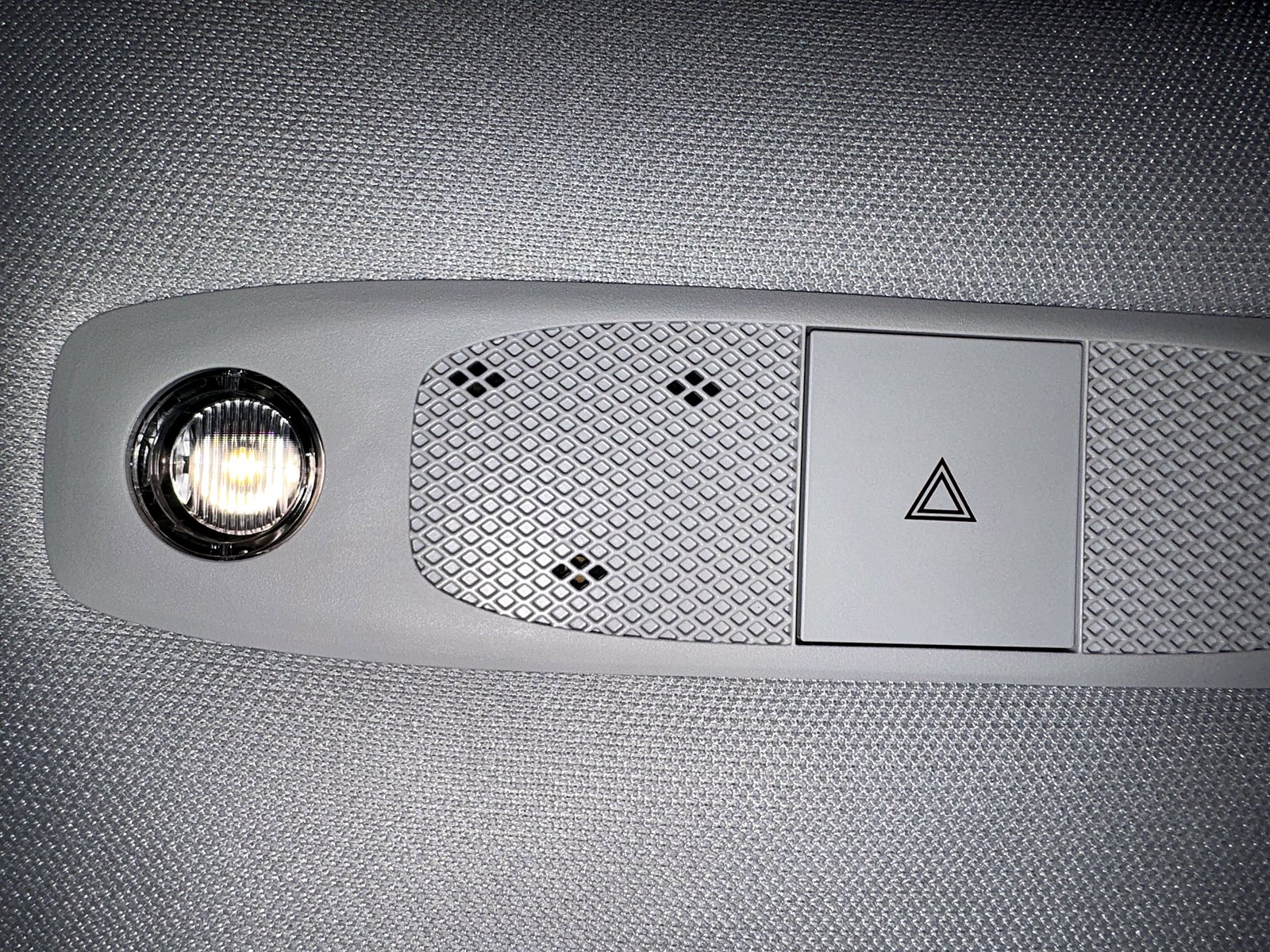
Avoid spraying cleaner into openings or removing trim to chase an unconfirmed cause. If calls remain unreliable, arrange support rather than relying on repeated resets.
My 2020 wireless pad is a separately installed accessory
The wireless charger in my console was installed separately. It should not be presented as a test of the factory charging hardware in later Model 3 or Model Y vehicles.
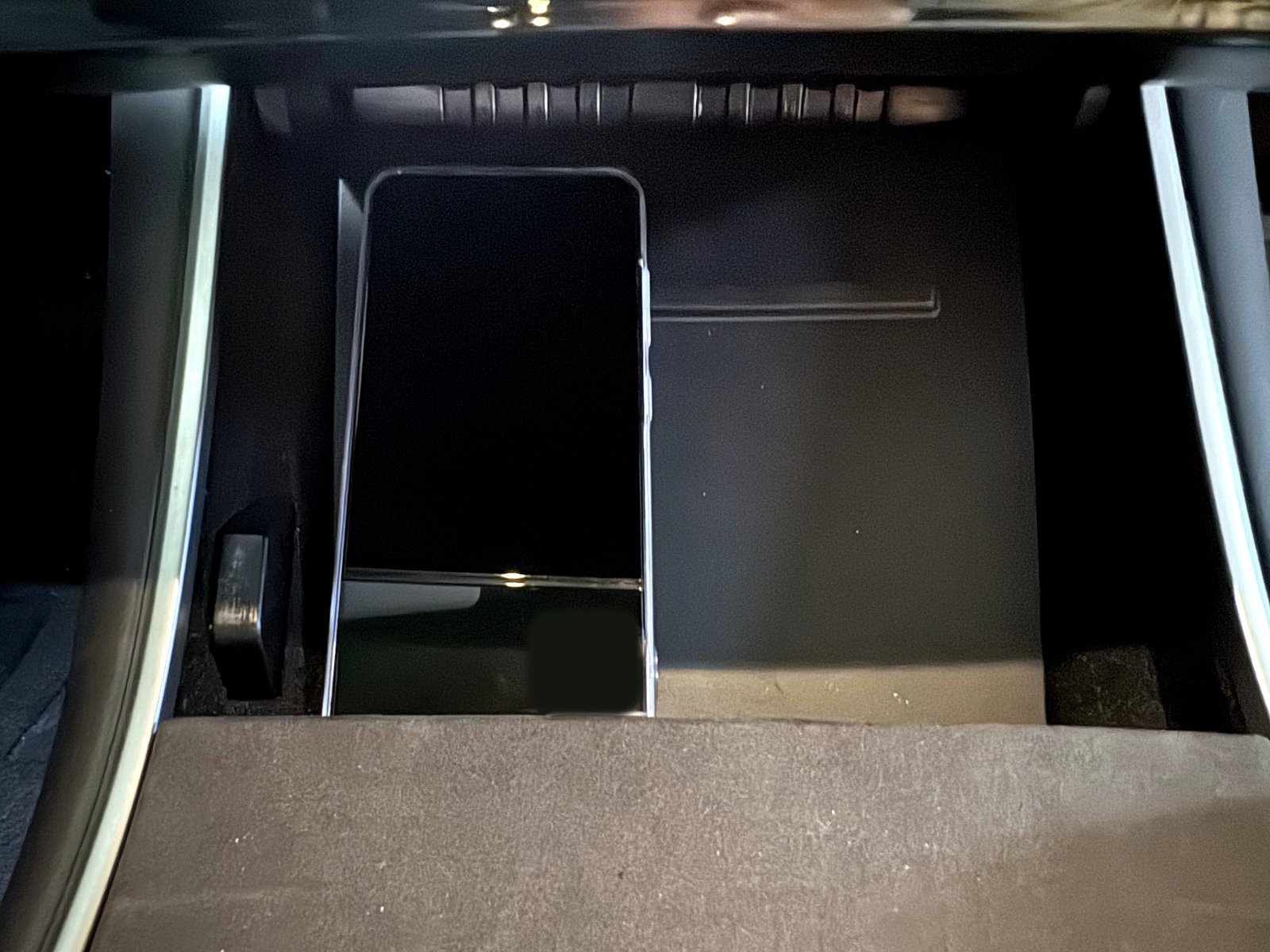
For an accessory pad, follow its maker’s instructions for the power source, cable and phone placement. Without the model information, I would not assign it a wattage, assume how many cables it needs or claim a particular hub is responsible for charging trouble.
Apple advises positioning the iPhone as the charger maker specifies, removing an interfering thick or metal case, and keeping cards or other objects out from between the phone and charger. Temperature can also limit charging; allow an overheated phone to cool. See Apple’s wireless-charging guidance.
A useful test sequence before spending on accessories
- Park and select the intended phone and car audio output.
- Compare a downloaded track with a phone-streamed track to separate network dependence.
- Toggle Bluetooth and restart the phone; follow Tesla’s pairing/reset steps with a backup key available.
- Retest after supported software updates and compare another phone if available.
- Use built-in media playback as a practical alternative and report persistent recurrence with your comparison results.
Do not buy a USB hub, wireless pad or infotainment replacement as the first response to music dropout. A downloaded track that also cuts out makes the Bluetooth/app path more relevant; streamed-only trouble makes the network/app route worth checking. My connection troubleshooting sometimes restored playback, while built-in apps are the route I now use because the problem recurs. This gives readers both recovery steps and a usable fallback.
FAQ
Did you fix the iPhone Bluetooth music dropouts?
I have had temporary success with troubleshooting, but the dropouts have recurred often. I currently use the car’s built-in music apps as a workaround.
Does re-pairing always solve it?
Connection troubleshooting has helped on some occasions, but the problem has returned. Re-pair, then test again and continue the diagnostic sequence if it recurs.
Is your Intel Atom computer definitely responsible?
No. The processor type is context about my car, not a confirmed diagnosis.
Is your wireless pad factory-installed?
No. It was installed separately on my 2020 car. Its behavior should not be generalized to a later factory pad.
Official references
See Tesla’s Bluetooth guidance and connectivity requirements, plus Apple’s iPhone wireless-charging instructions. My own experience is the recurring Bluetooth music symptom, temporary recovery and built-in-app workaround and separately installed pad described above.
— Volt Fix Garage
Leave a Reply